Your spreadsheet is about to
become way more powerful
SheetLabel turns Google Sheets into a full inventory system. No new software. No data migration. It just works.
Install the add-on
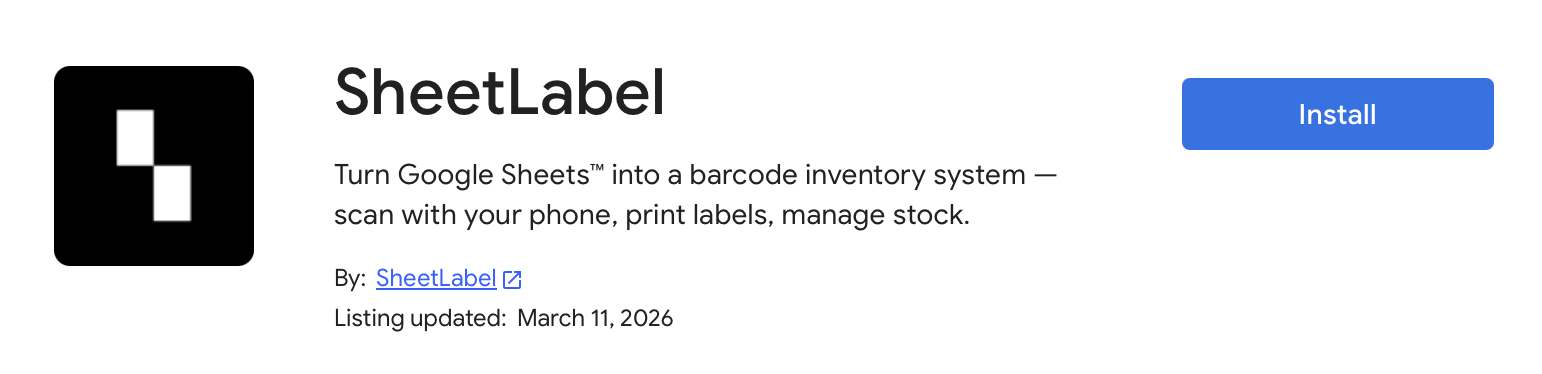
Find SheetLabel in the Google Workspace Marketplace and click "Install".
Open Google Sheets
Go to sheets.google.com
Open your spreadsheet
Do you already have a spreadsheet with your inventory? Or are you starting fresh?
I have a spreadsheet
I want to add scanning to my existing data.
I'm starting fresh
I need a professional inventory template.
Open the sidebar & map your columns
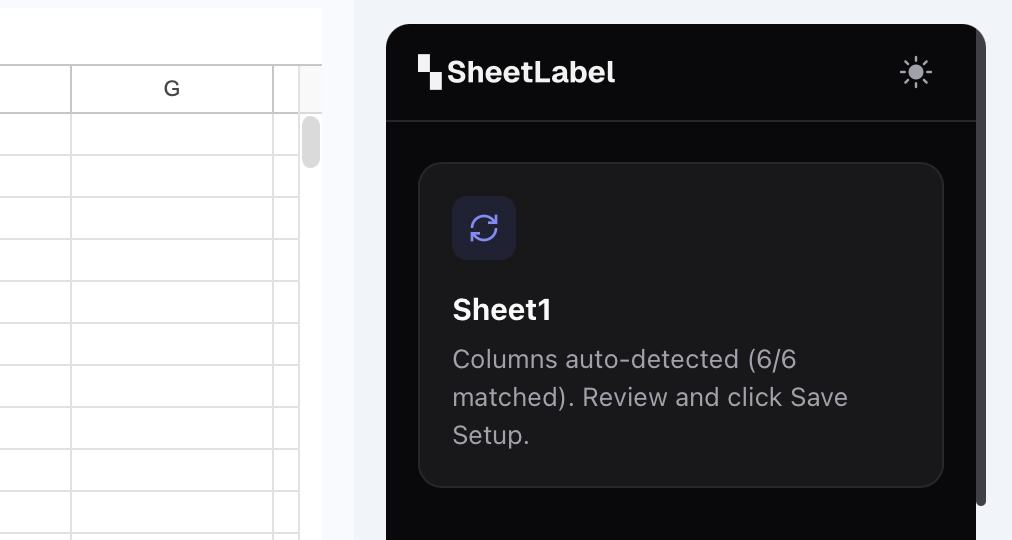
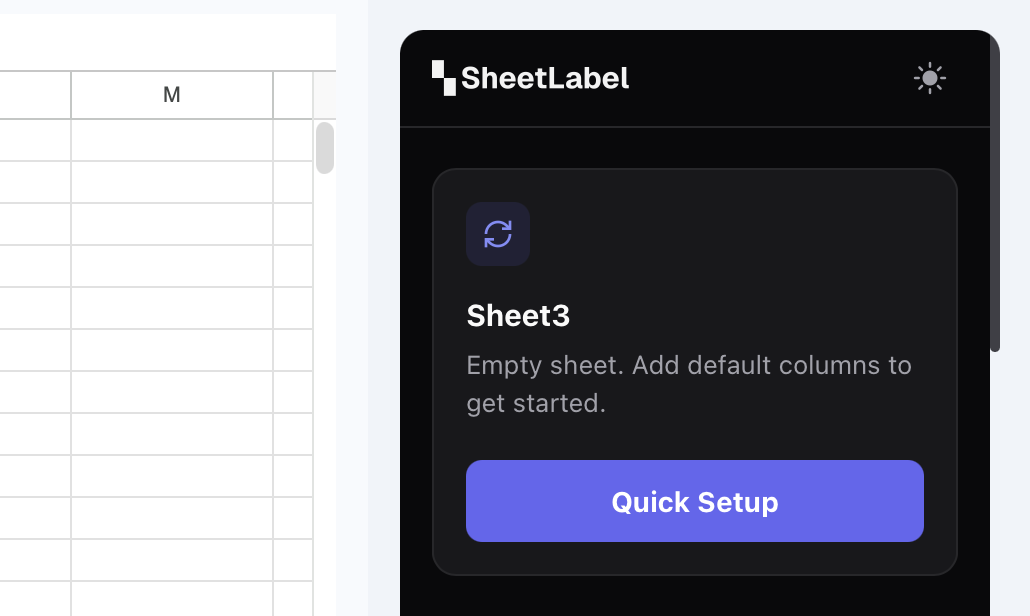
Go to Extensions → SheetLabel → Open Sidebar. The panel opens on the right side. SheetLabel scans your header row and auto-maps your columns. Make sure the fields match your layout, then click Save Setup.
What about barcode labels?
Do your products already have barcodes? From the manufacturer, a supplier, or another app? Or do you need to generate new labels?
I already have barcodes
From a manufacturer, supplier, or old system.
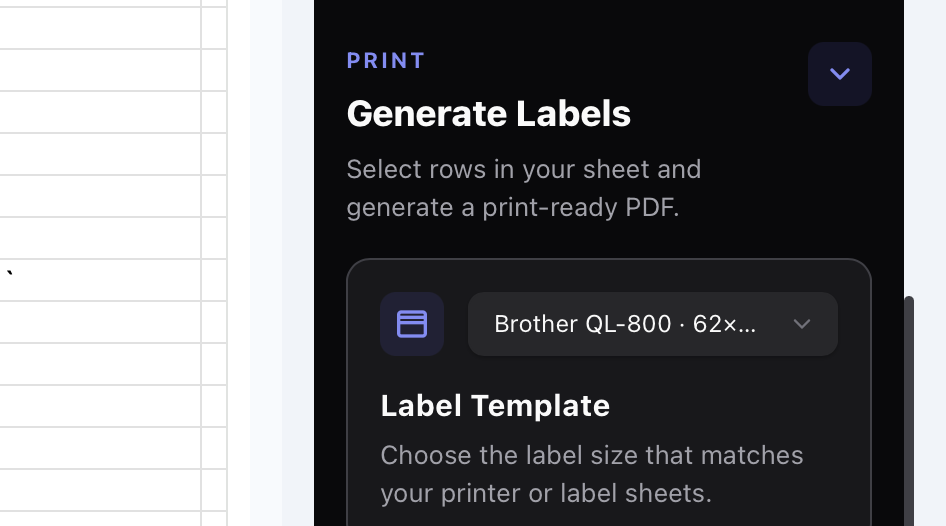
I need to print labels
I want to generate new Barcodes or QR codes.
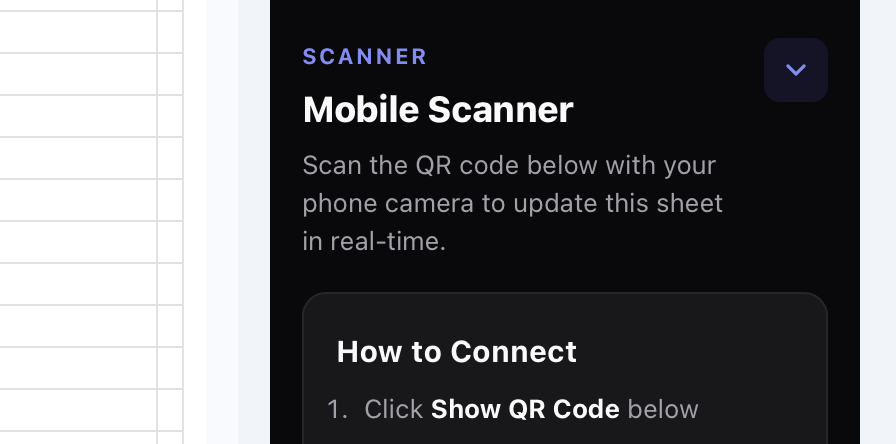
Start the scanner
In the SheetLabel sidebar there's a QR code. Scan it with your phone camera — a scanner page opens immediately in your browser. Sign in with same Google account.
Check In & Check Out
After scanning your product barcode, you see the item's details. Tap Check In to add stock or Check Out to remove it. Adjust the quantity, confirm, and your Google Sheet is updated instantly.
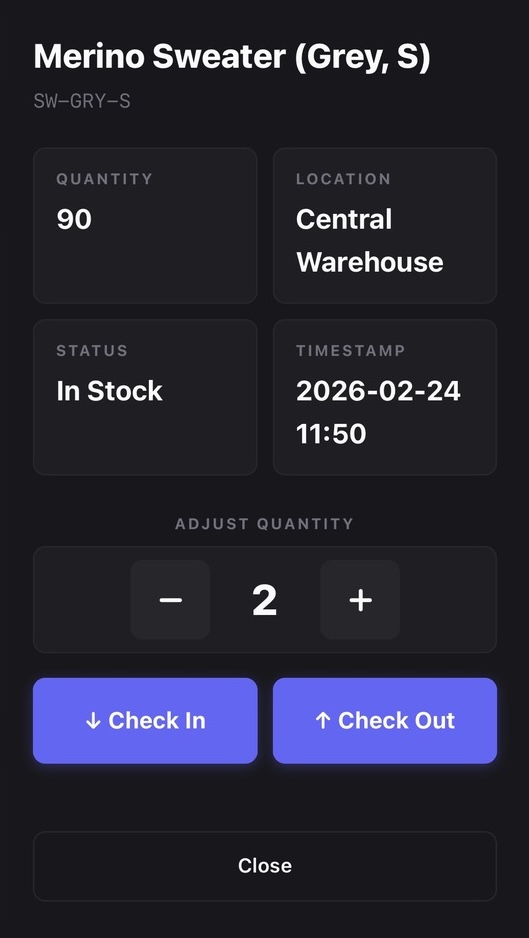
Double-Tap Stock Updates
Scan → tap Check In or Check Out → confirm. Your sheet quantity updates in real time.
Automatic Timestamps
Every scan adds a timestamp so you always know exactly when an item was last updated.
Local Scan History
A detailed timeline on your phone helps you easily review recent actions and undo mistakes.
Offline Sync
Scanning in a dead zone? Actions queue locally and sync transparently when connectivity returns.
🎉 You're all set. Seriously.
That's the whole thing. No complex setup, no data migration, no learning curve. Your Google Sheet is now a Real-Time Sync barcode-powered inventory system.